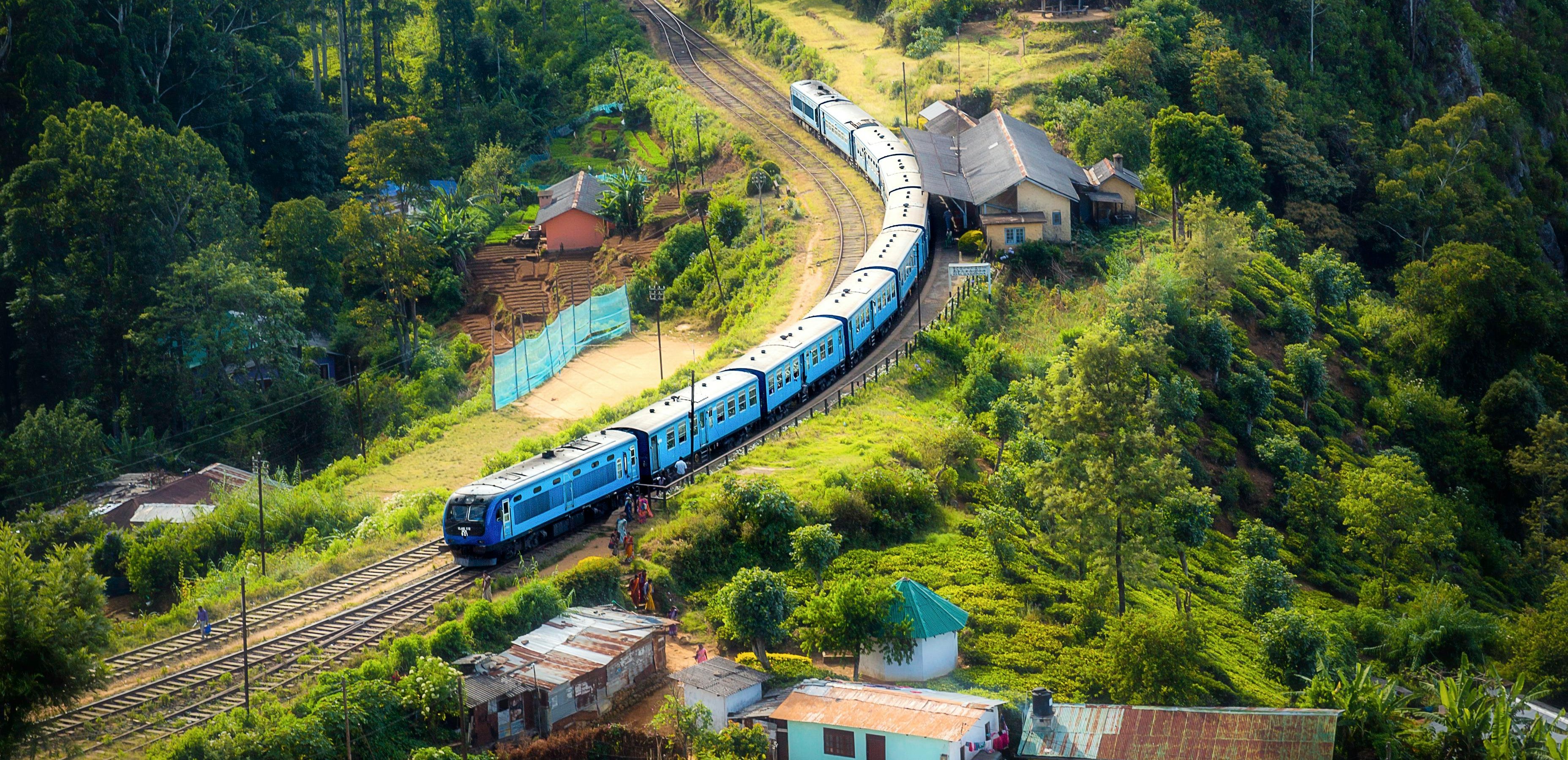
How to Book Tatkal Ticket Fast and Easily
Booking a Tatkal Ticket from IRCTC website feels like a race against time. Within seconds, seats disappear and if you're not prepared, you'll miss out your ticket.
This guide will help you in showing how exactly experienced travellers secured their tatkal tickets easily and quickly.
What is Tatkal Booking and Why Is It So Competitive?
Tatkal is the last minute ticket booking scheme by Indian Railways created for providing convenient to urgent travelers.
When booking tatkal ticket
- Ac Classes opens at 10:00 AM
- Sleeper Class opens at 11:00 AM
The demand is extremely high as tickets are limited and released all at once. Thousands of users log in simultaneously, which slows down the system and increases failure chances.
Steps to book Tatkal Ticket Fast
- Log In Before time (Don't wait for 10AM): Open IRCTC at least 10-15 minutes early. Stay logged in and keep your session active.
- Save Passenger Details in Advance: Use the "Master List" Features on IRCTC to pre-save passenger information. Why it matters: pre-save details cuts booking time and reduce typing errors under pressure.
- Use Autofill Tools or Browser Extensions: Typing details manually wastes precious seconds. But don't rely blindly on auto fill tools rest them before booking day.
- Choose Payment Method Wisely: payment is where most bookings fail. Use fastest options, like UPI (like Google pay or PhonePe) or IRCTC eWallet.
- Use a Fast Internet Connection: While booking tatkal ticket speed matters more than we think. Use stable broadband or 5G Avoid using public Wi-Fi.
- Select Train Before Time: Search your train before booking opens, and jeep it ready. Once booking start, click immediately on "Book Now".
- Don't Refresh Too much: Refreshing frequently can log you out and trigger captcha filling which delays in booking ticket, refresh page only if it's necessary.
- keep multiple Options Ready: Don't depends on one train. Check alternate trains, nearby boarding stations.
- Prefer IRCTC App : use IRCTC app over website as IRCTC Rail connect app can be faster during heavy traffic. But test both website and app beforehand.
- Book For Fewer Passengers: Booking for 1-2 passengers is faster and has higher success than large groups.
Common Mistakes to Avoid
- Logging in at last minute.
- Entering passenger details manually.
- Choosing slow internet connection.
- Ignoring backup trains.
- Panicking and refreshing excessively.
Final Thoughts
Booking Tatkal tickets isn't luck-it's preparation and speed.
FAQs
Tatkal booking opens at: 10:00 AM for AC classes and 11:00 AM for Sleeper class.
You should login before 5-10 minutes before booking opens to avoid delay and session issues.
Use Master List features on IRCTC to save passengers details in advance. This help in avoiding typing details manually while booking and save valuable time.
Fast payment options like: UPI, IRCTC eWallet.
The IRCTC Rail Connect app is often faster during heavy traffic, but it's best to test both beforehand and use whichever performs best.
Thousand of users try to book ticket simultaneously and only limited tickets are released at once.
Yes, you can book a maximum of 2 Tatkal ticket for each user.
No, tatkal ticket is not available for some of the trains like premium trains or in specific quotas.
Confirmed ticket generally do not get a refund on cancellation. However waiting list ticket are automatically cancelled and refunded. In case of train cancellation and delay refund may be applicable.